qubeAVgo


Reinventing Mobile Debriefing
Innovative debriefing with the latest version of our qubeAVgo
With qubeAVgo, we are presenting a mobile solution for simple and smart debriefing. Simulations help rescue workers to better prepare for emergencies. Effective debriefing can increase learning success in the long term.
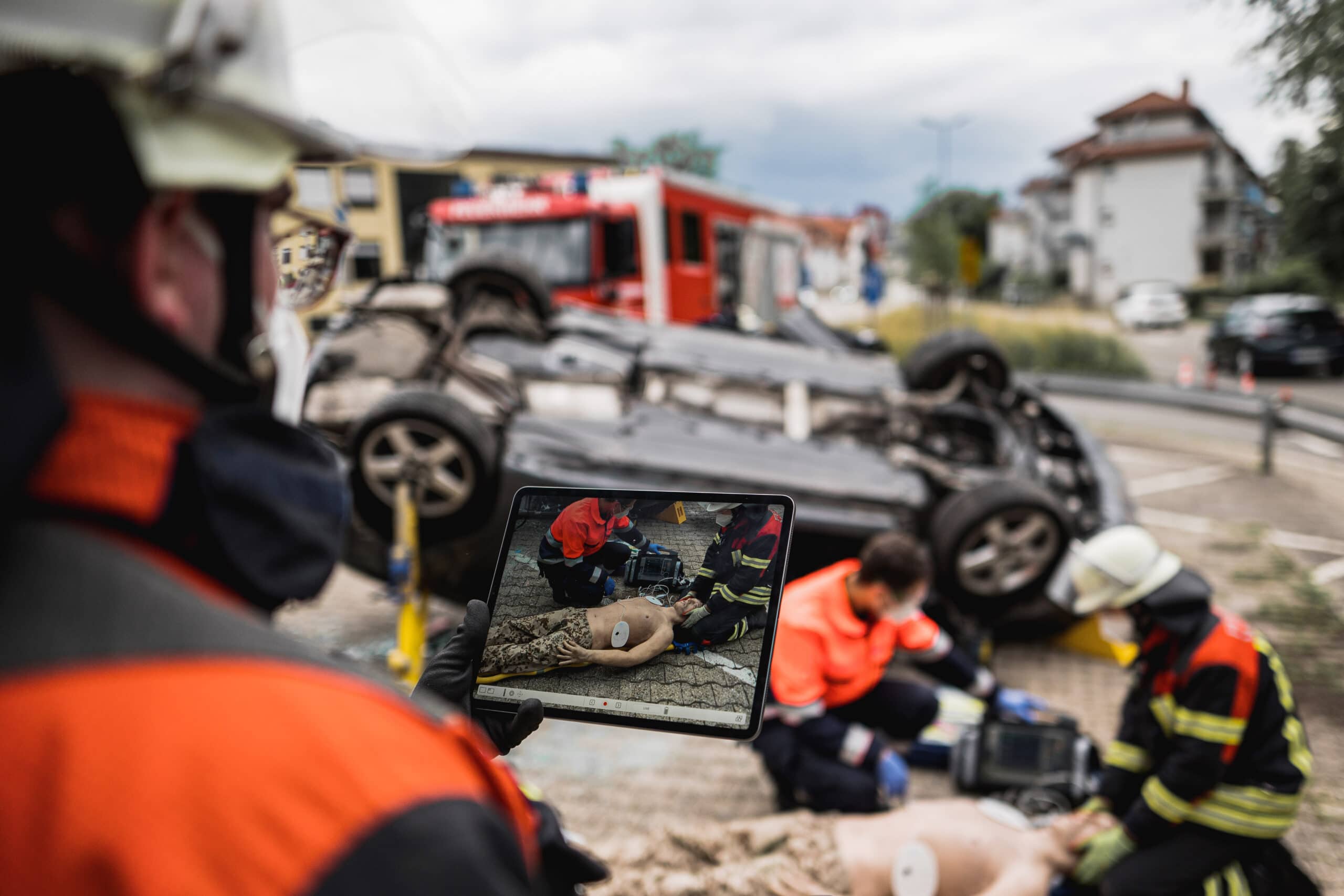
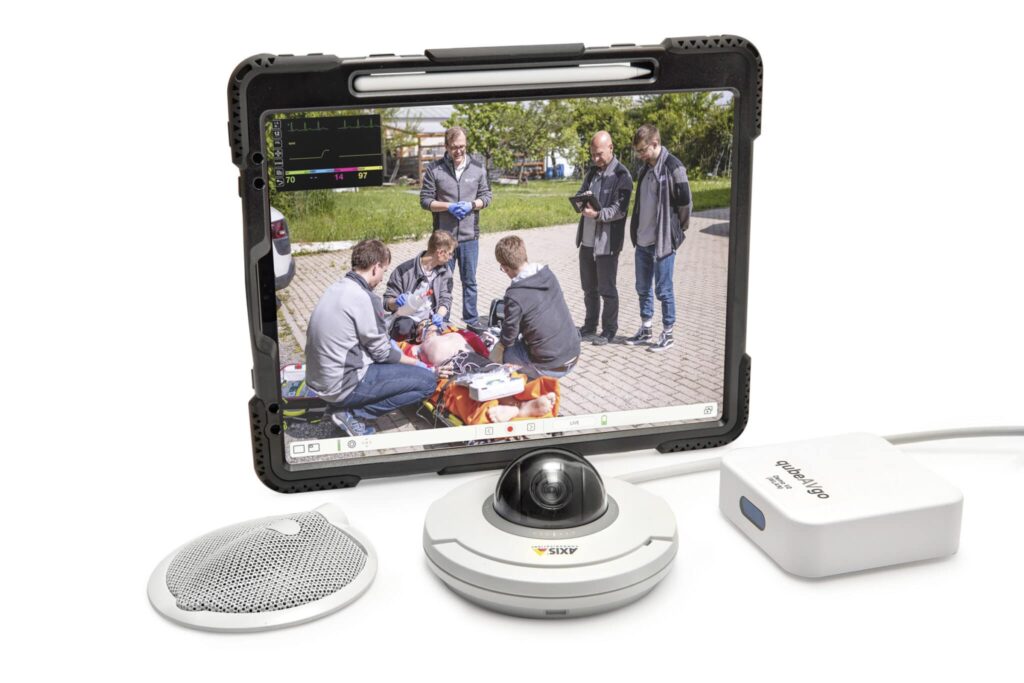
Our iPad-based qubeAVgo system enables the scenario to be recorded via a swivel-mounted 360° camera, and the SKILLQUBE patient simulator can also be integrated into the qubeAVgo and recorded. Thanks to the mobile design, you can record and effectively debrief simulation scenarios in almost any location.
A SKILLQUBEORIGINAL Product
Functions
Set marker. During a Scenario you will be able to make marks with the Apple Pen. In the debriefing mode you can load your notes and debrief the situations successfully.
Record. During record the camera view and monitor will be recorded. With the 360° camera you can change the angle at any time.
Debriefing
- Switch between marker
- Play your scenario
- Save to library
- Return to live mode to start a new session
Additional Features
Controller & Assessment
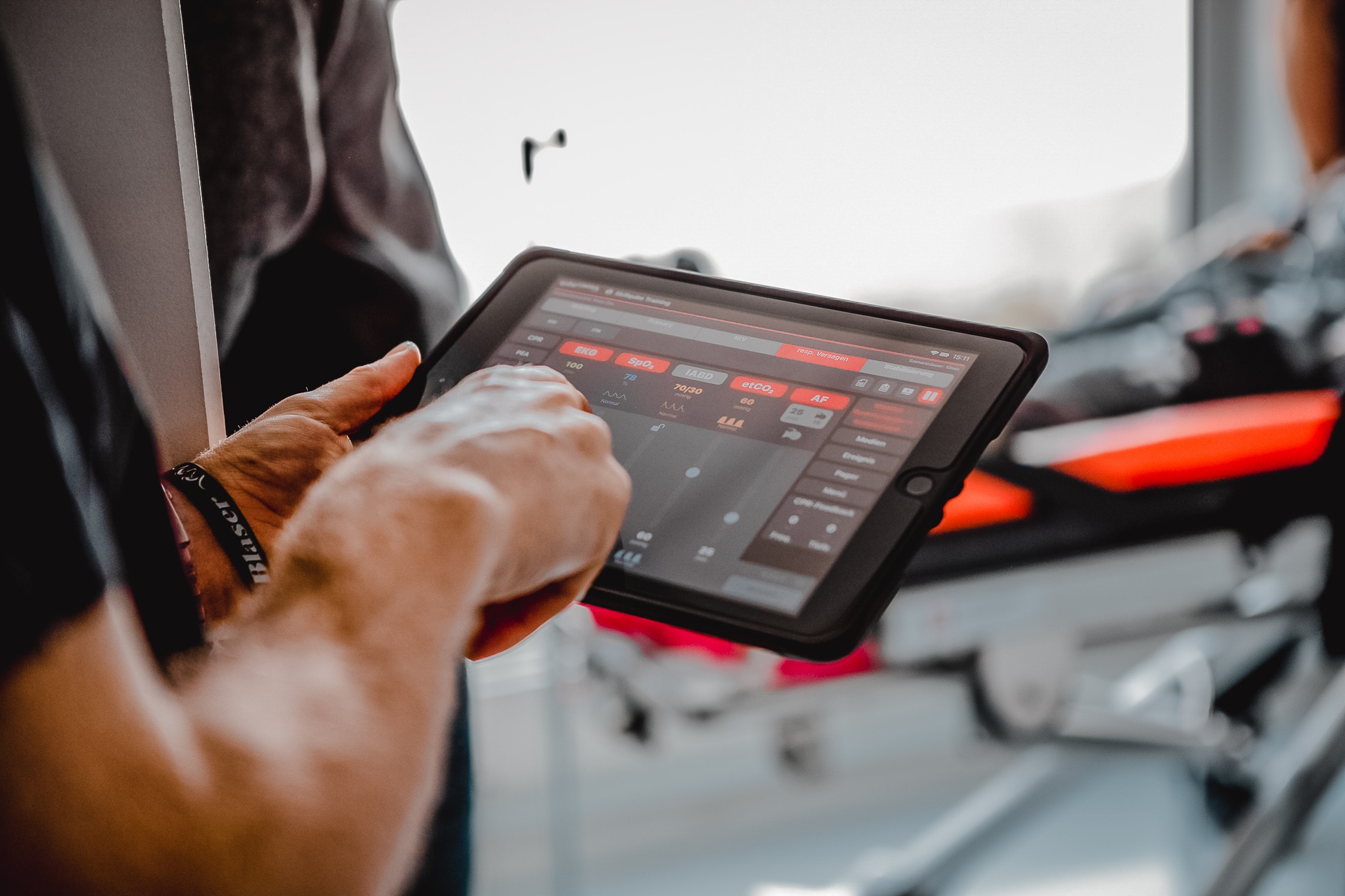
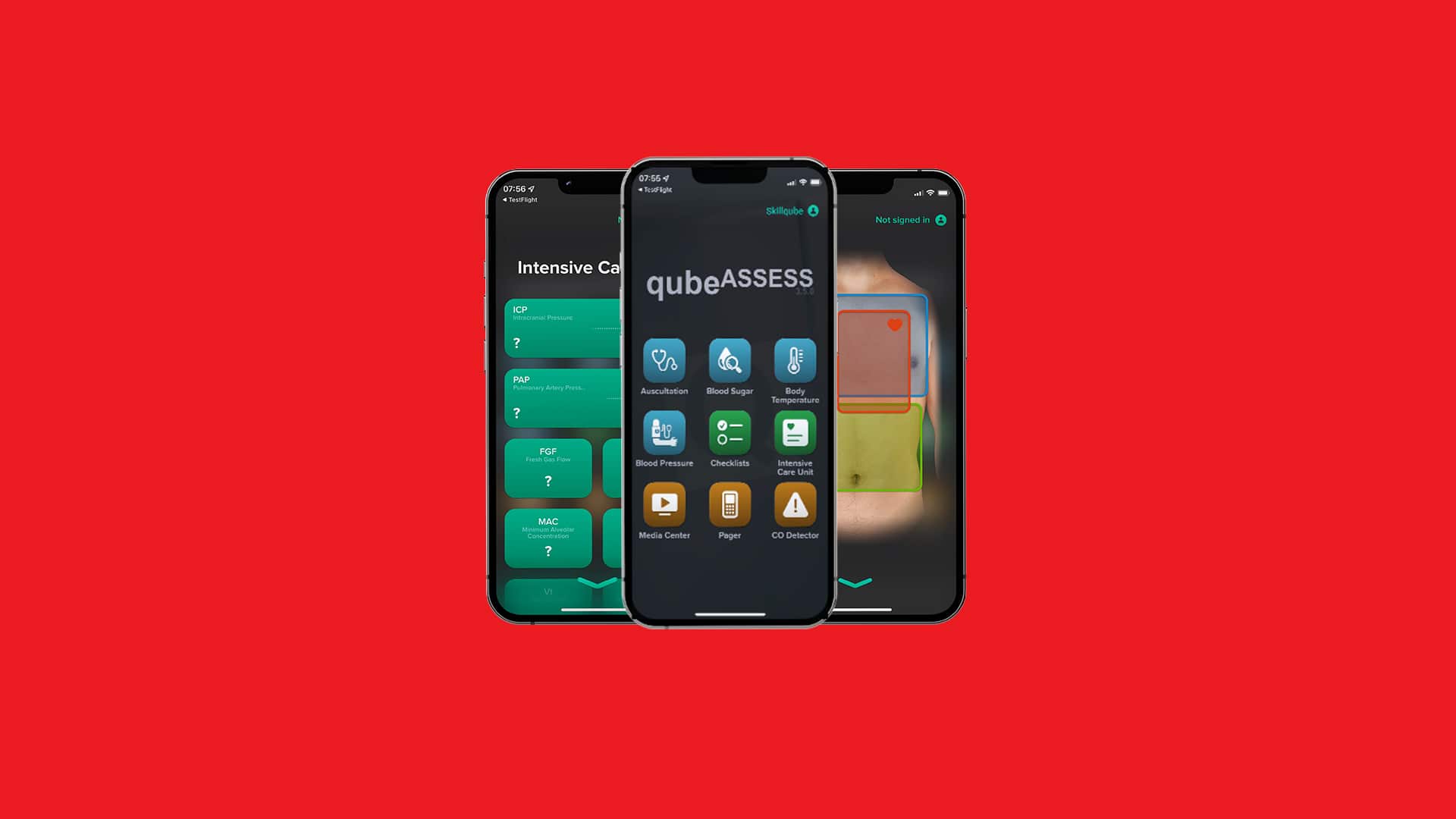
- Control all vital signs via instructor software
- Browser-based scenario editor with image and video library
- Auscultation, blood sugar and temperature measurement
- Availability of checklists and SOP for in field use
qubeCLOUD
FOR THE TRAINING OF TOMORROW.
With the qubeCLOUD, you can create, manage and share realistic training scenarios – simply via the browser. Whether freestyle or scripted: With the integrated scenario editor, you can prepare content professionally and retrieve it later via the qubeCONTROL. In this way, you ensure standardized and high-quality training and further education.
Central management – maximum control cog:
Manage devices, users and access rights centrally. SimConfig allows you to set standardized parameters for all devices and customize functions. Pager texts, alarms, lab reports or SOPs can be maintained and synchronized centrally. Create individual layouts for the qubeC3/qubeC3T – without any programming knowledge.
Intuitive & realistic list-box-outline:
Synchronize all available AHA cases and SKILLQUBE cases with just one click or share your own scenarios with partner organizations and develop them further together. Integrate media such as videos or documents directly into scenarios and create lively, practical training sessions.
Knowledge directly in the qubeCLOUD school:
The integrated Education Center provides e-learning courses and support at any time – knowledge when and where you need it.
Networked & secure account-supervisor:
Share scenarios with partner organizations, protect sensitive content and work together on new cases. GDPR-compliant, without installation – available at any time on PC, tablet or smartphone.